
Point at pixels, not paragraphs
Clients click anywhere on your website to leave annotated comments. You get unambiguous feedback tied to the exact element.
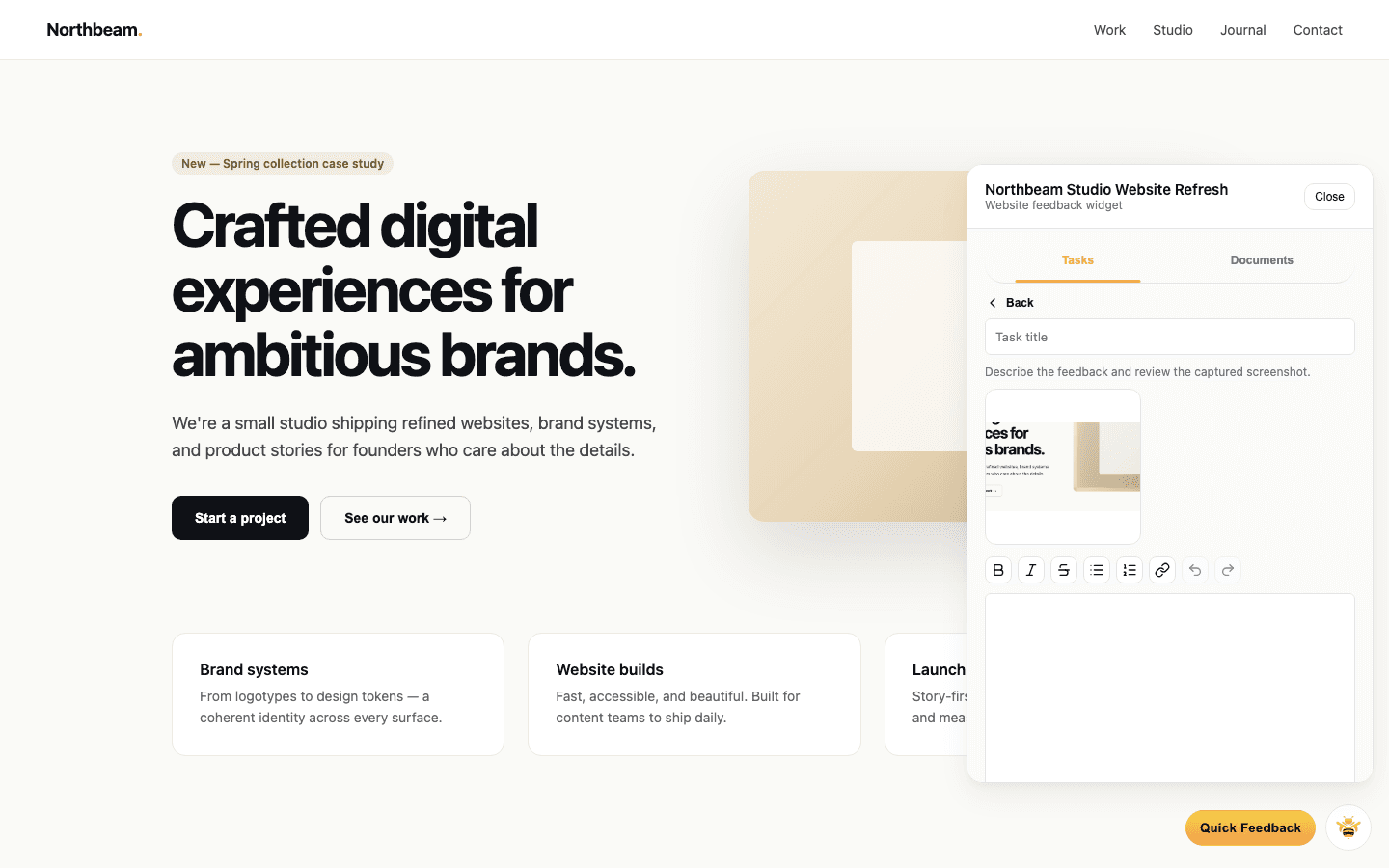
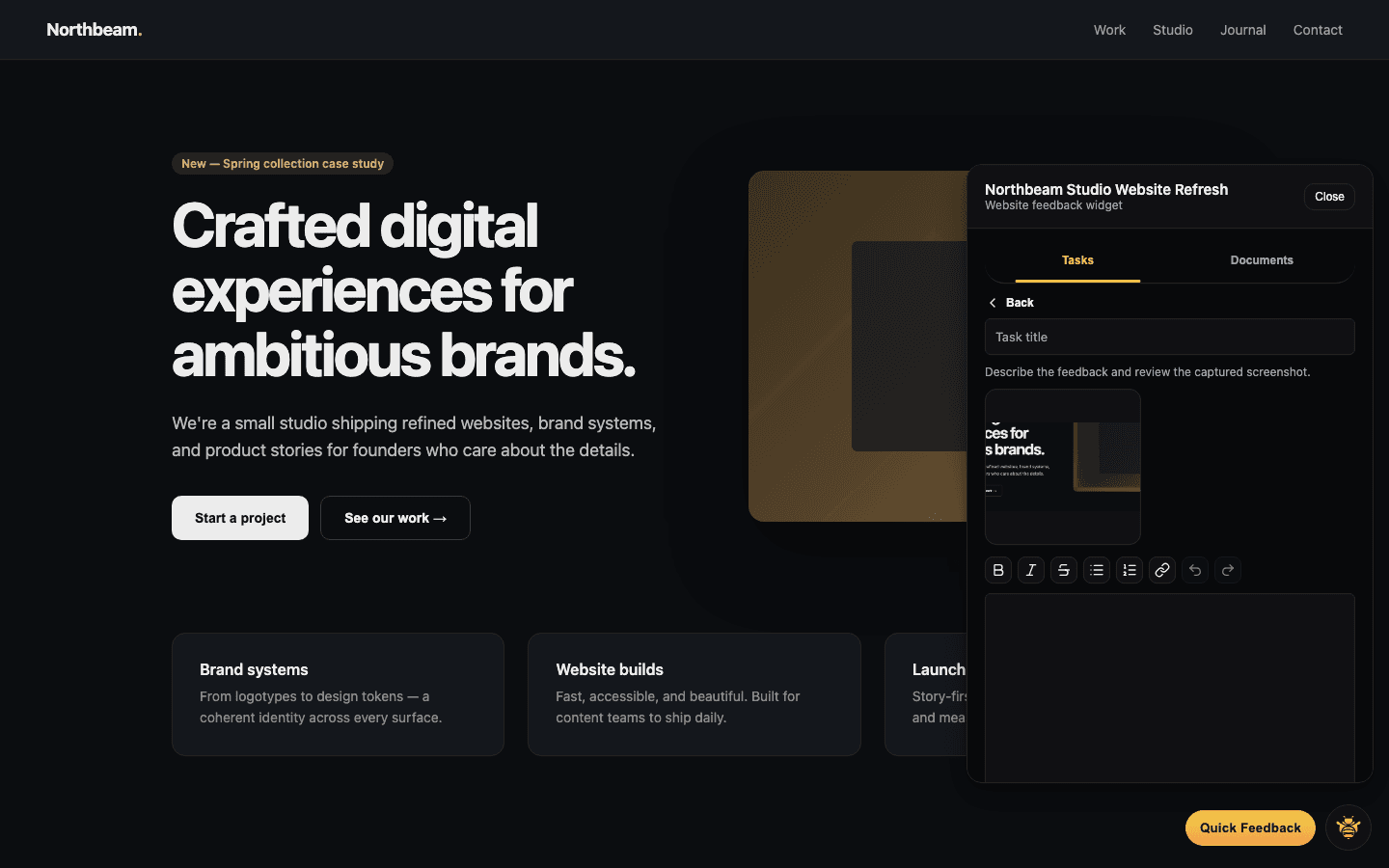
Click, drag, comment, anywhere
Pin comments on elements, drag to select an area, or leave a note on the whole page.
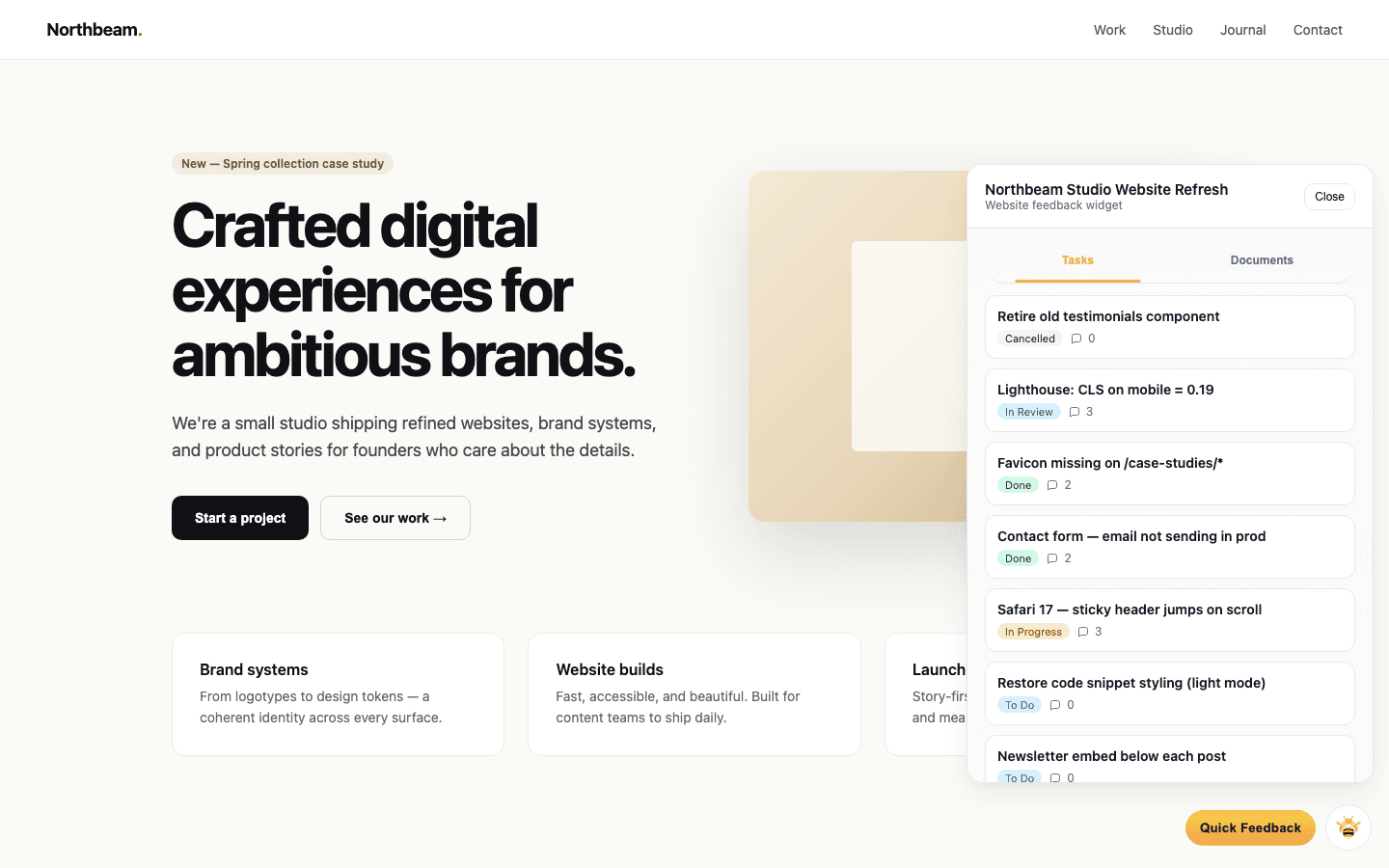
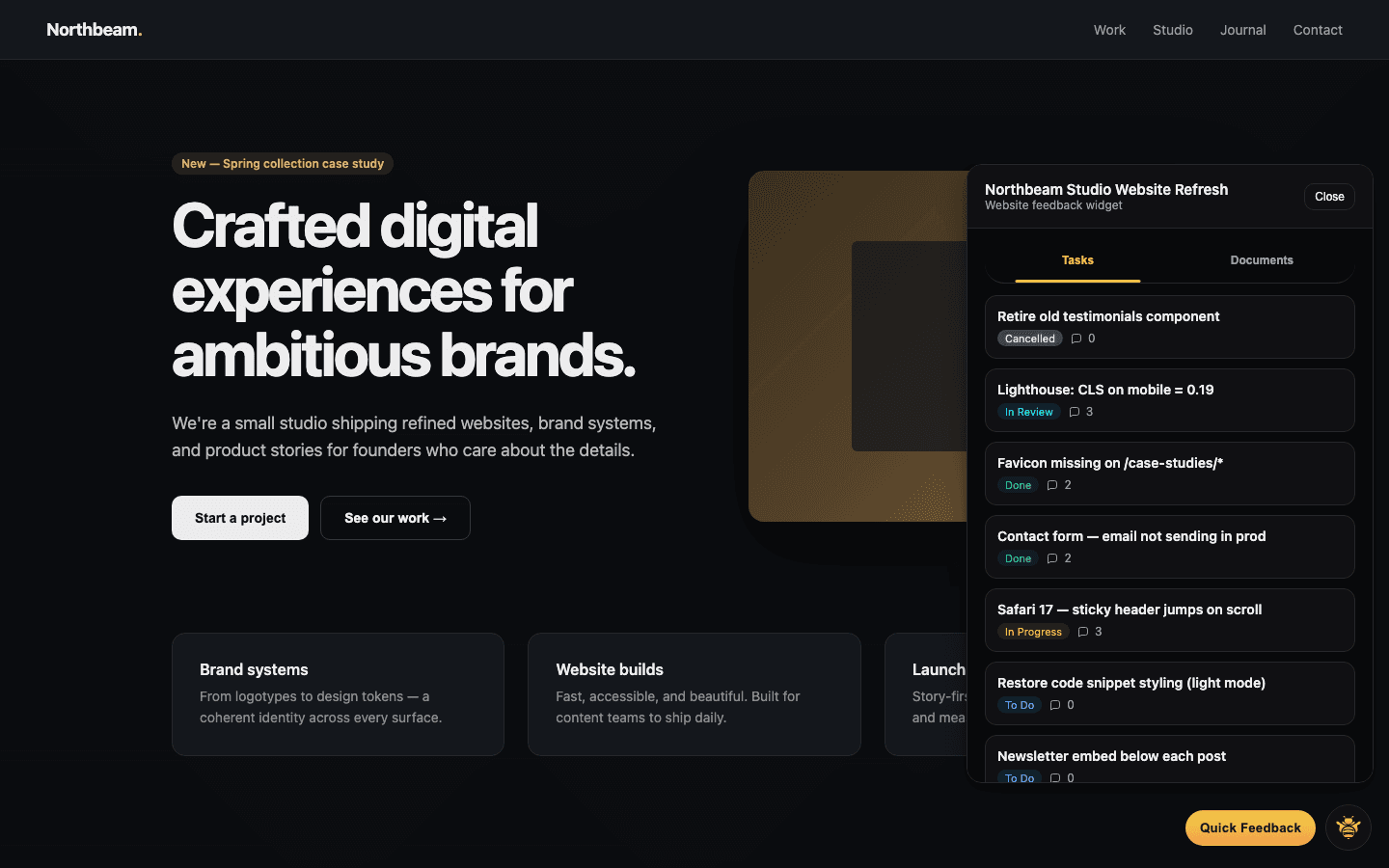
Element-level pins
Anchor feedback to the exact DOM node.
Area selection
Drag a box around anything bigger than one element.
@-mention teammates
Loop in your designer or dev inline.
Every note carries full context
Screenshots aren't enough. Browser, viewport, and URL travel with every comment.
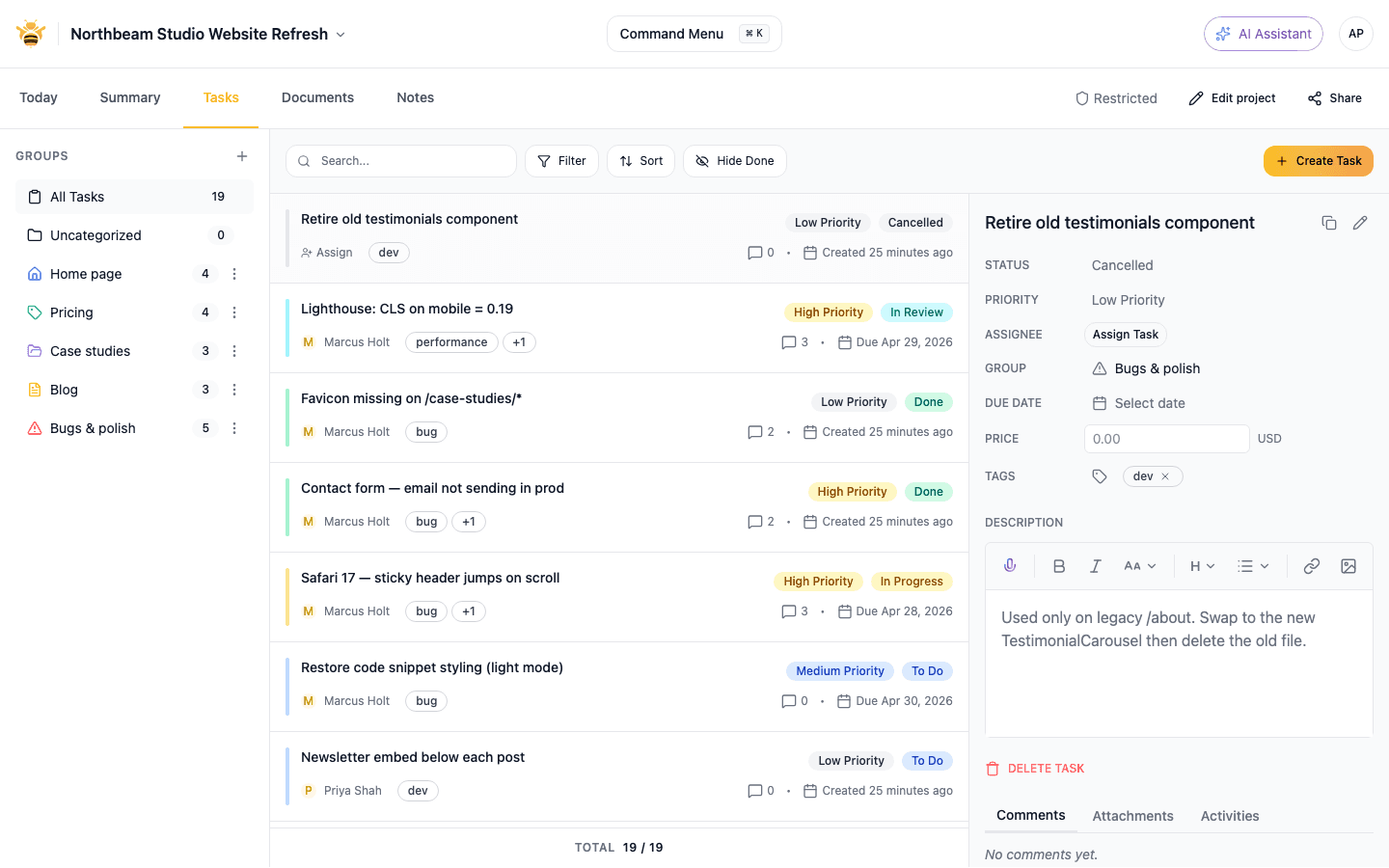
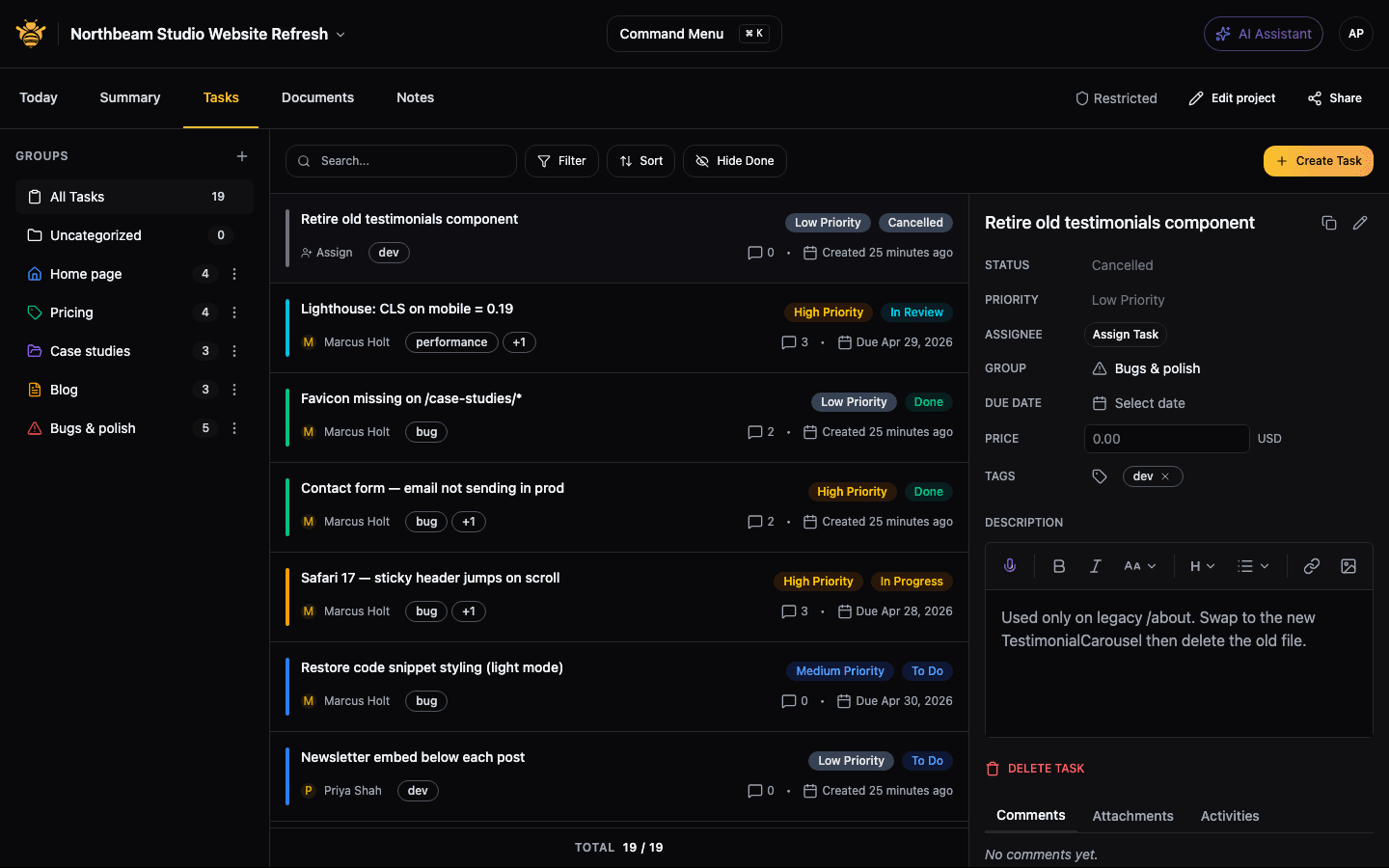
Screenshots
Exactly what the client saw, captured in desktop Chrome and Edge.
Device metadata
Browser, OS, viewport size, and pixel ratio.
Page URL & title
Linked from the task, so you open the same page.
Works on production, staging, and localhost
Review real sites, not Figma frames. Works with password protection and tunneling.
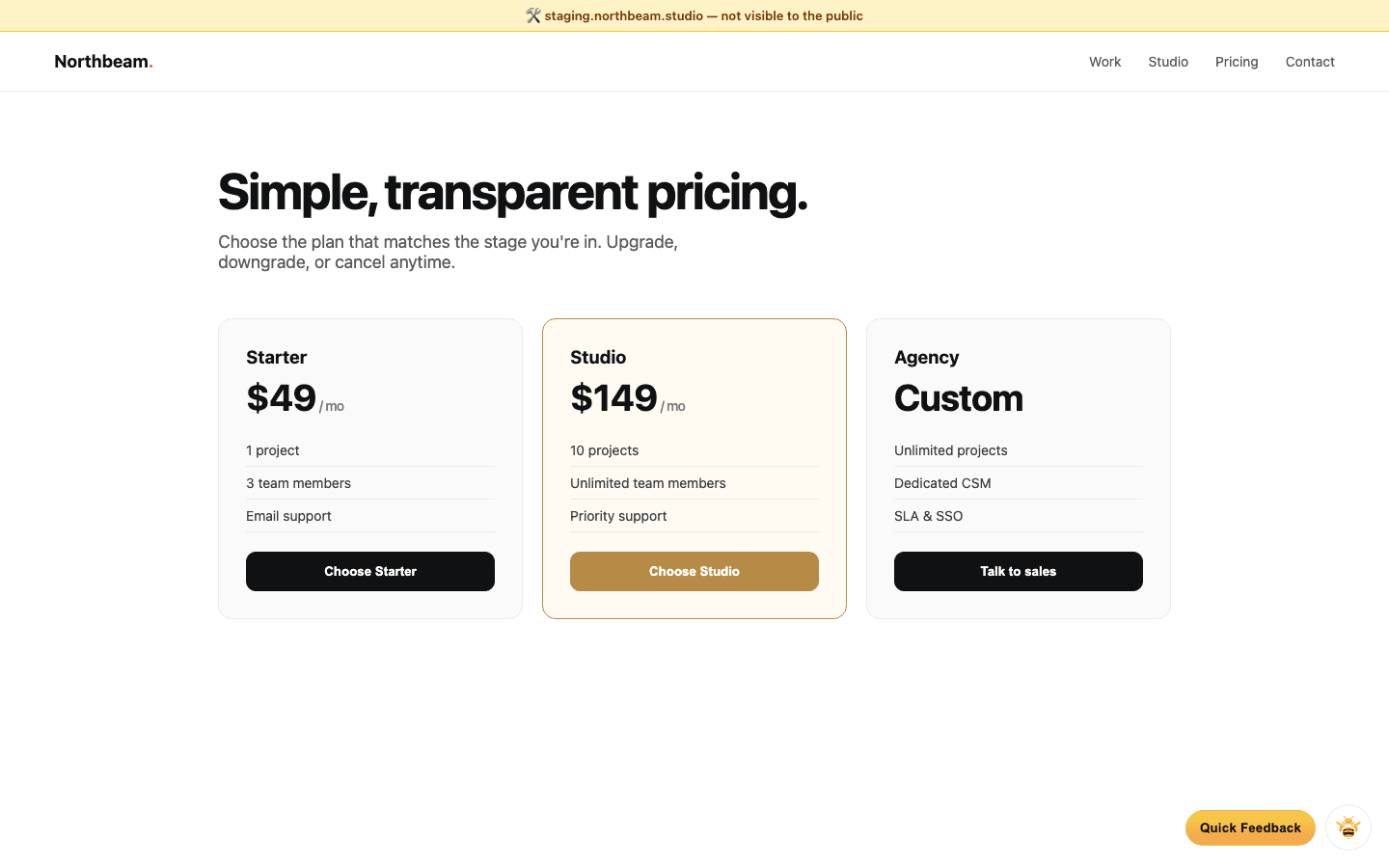
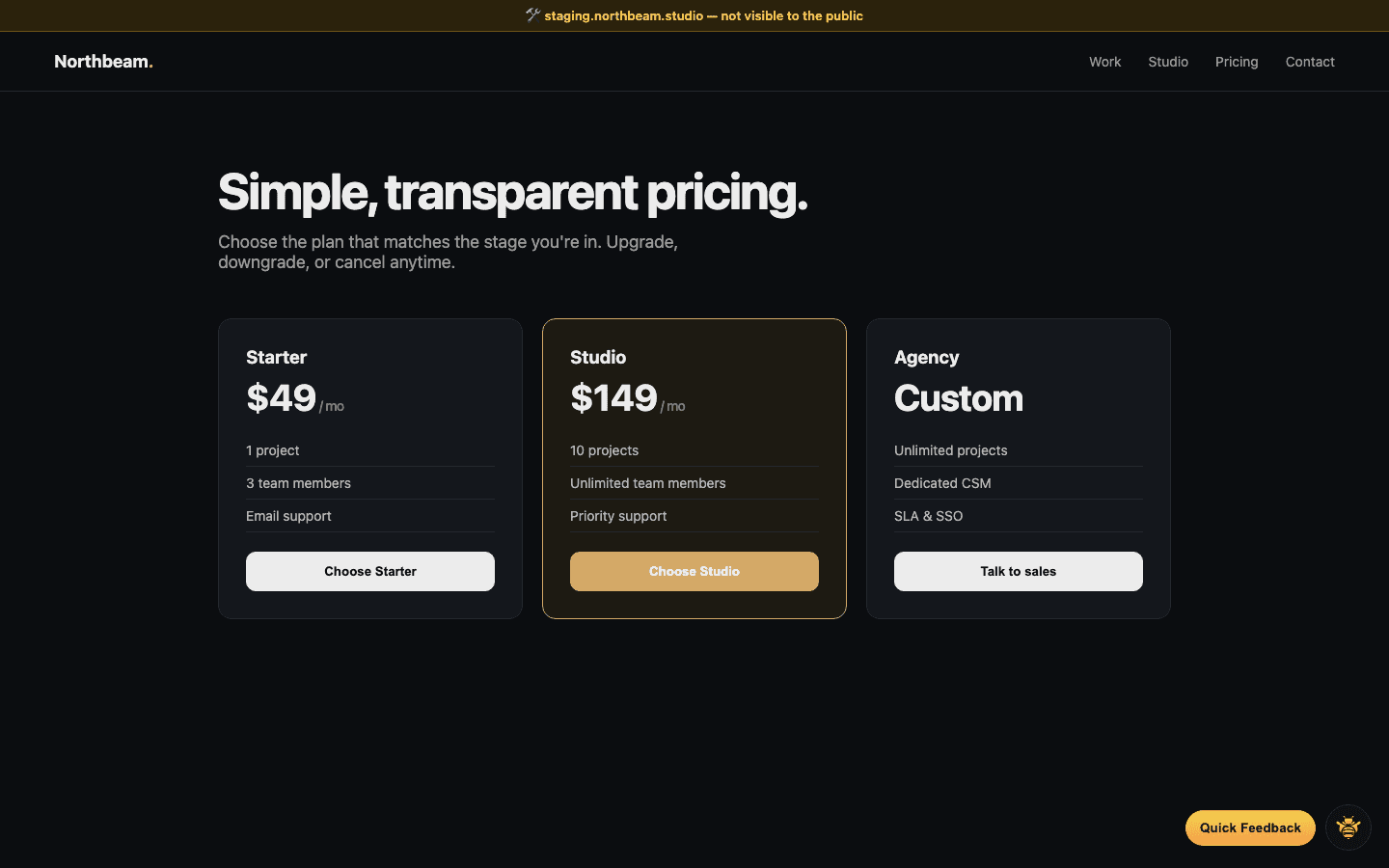
Staging & production
One install, both environments.
Localhost via tunnel
Works with ngrok, cloudflared, and friends.
Version history
Compare what clients saw across releases.
Turn vague comments into precise feedback
Stop translating 'move that thing' into tickets.