
Señala píxeles en vez de escribir párrafos
Tus clientes hacen clic en cualquier parte de tu sitio para dejar comentarios anotados. Tú recibes feedback sin ambigüedades, ligado al elemento exacto.
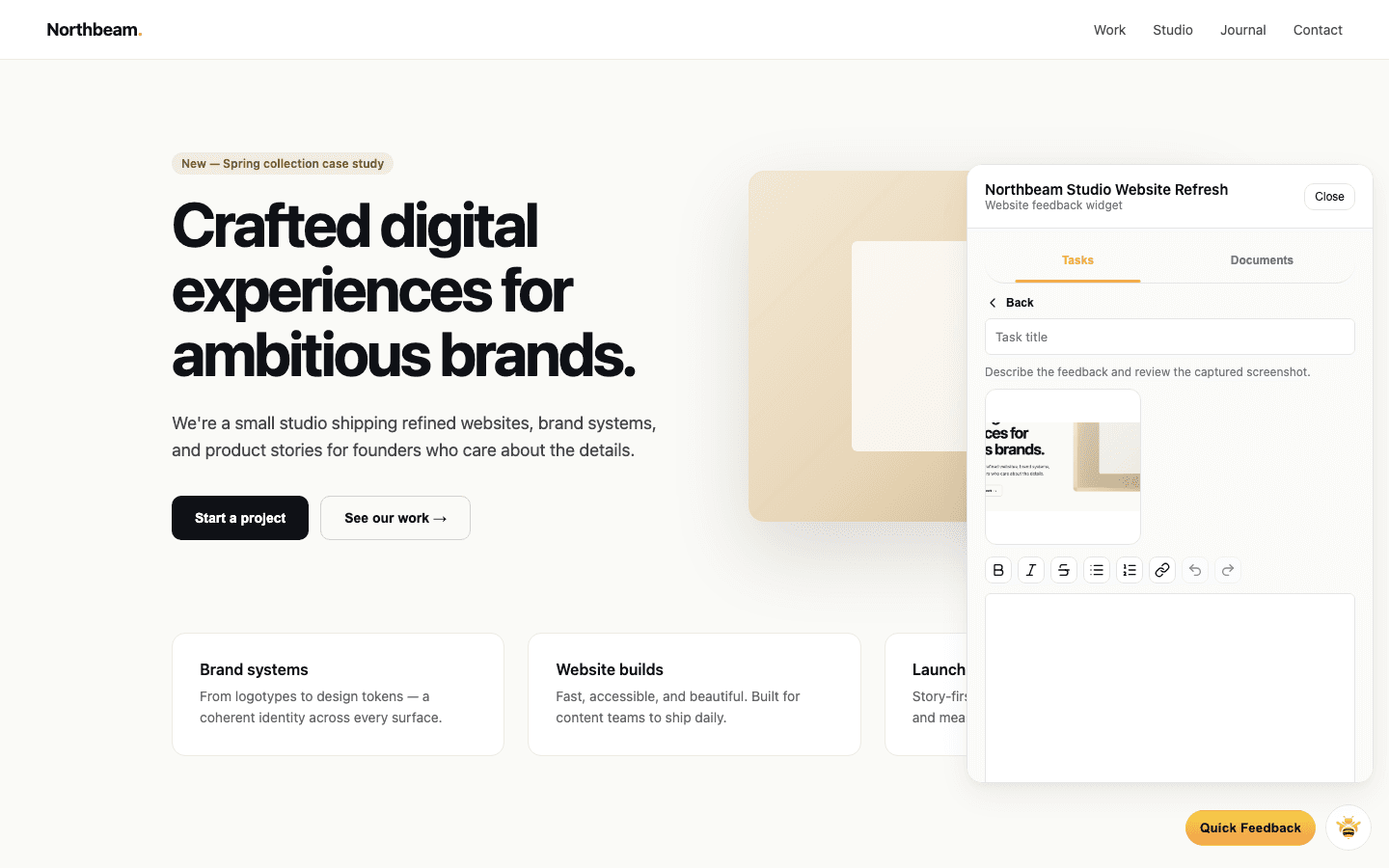

Haz clic, arrastra y comenta donde quieras
Fija comentarios en elementos, selecciona una zona o deja una nota sobre toda la página.

Marcas a nivel de elemento
El comentario queda anclado al nodo DOM exacto.
Selección de zona
Enmarca todo lo que ocupe más de un elemento.
Menciona al equipo con @
Incluye a tu diseñador o desarrollador al momento.
Cada nota llega con todo su contexto
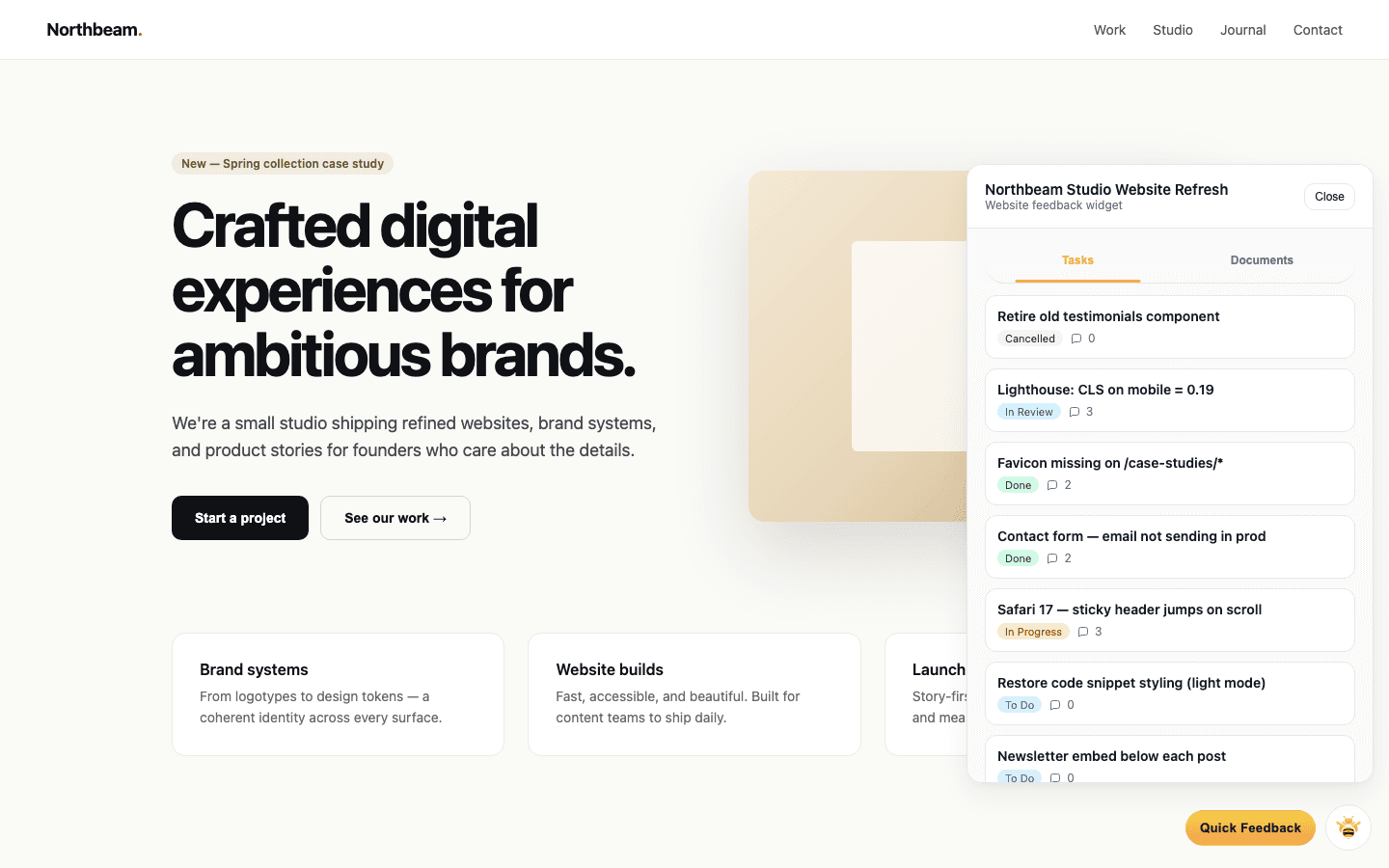
Una captura no basta. Navegador, tamaño de la ventana y URL acompañan cada comentario.
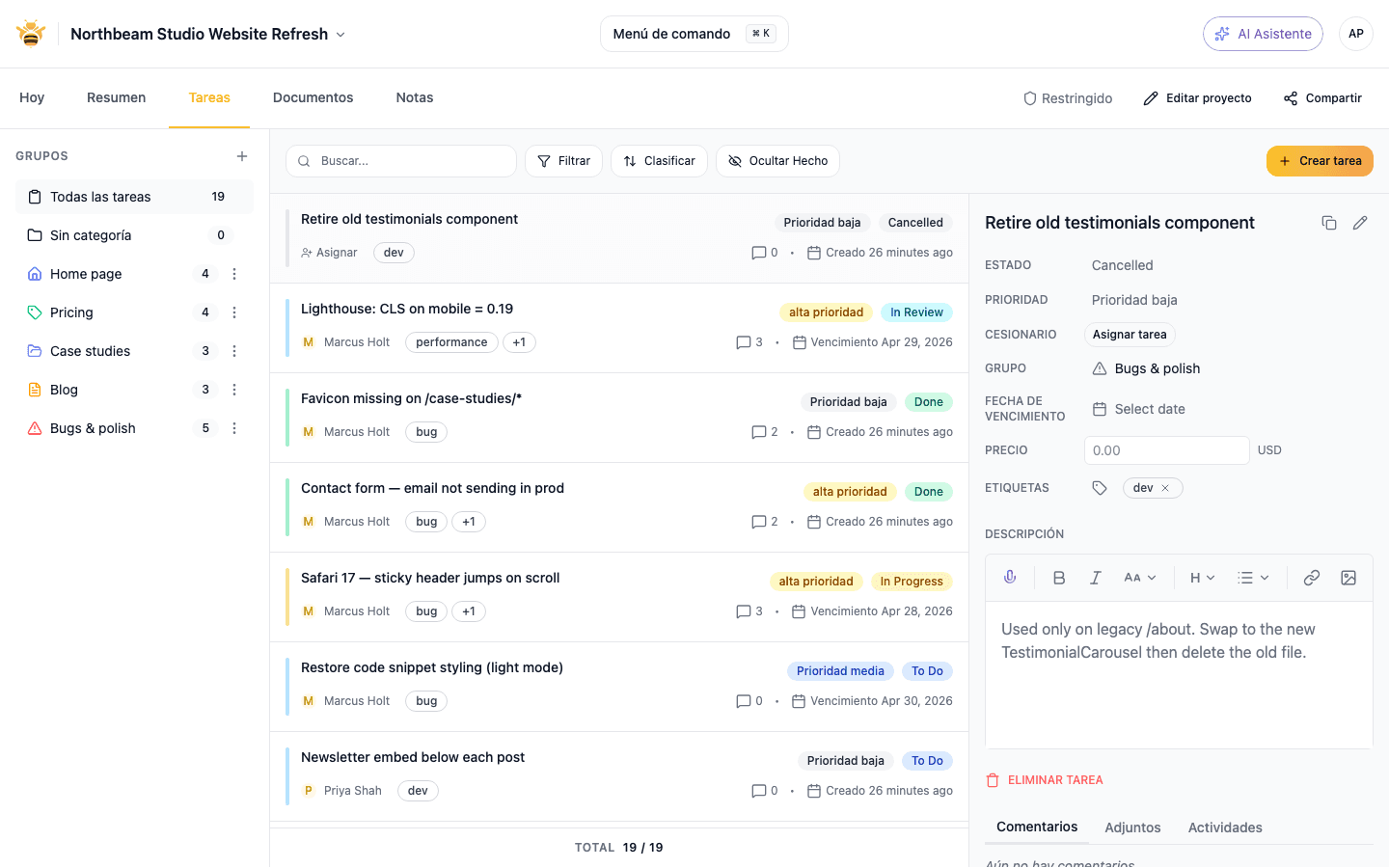
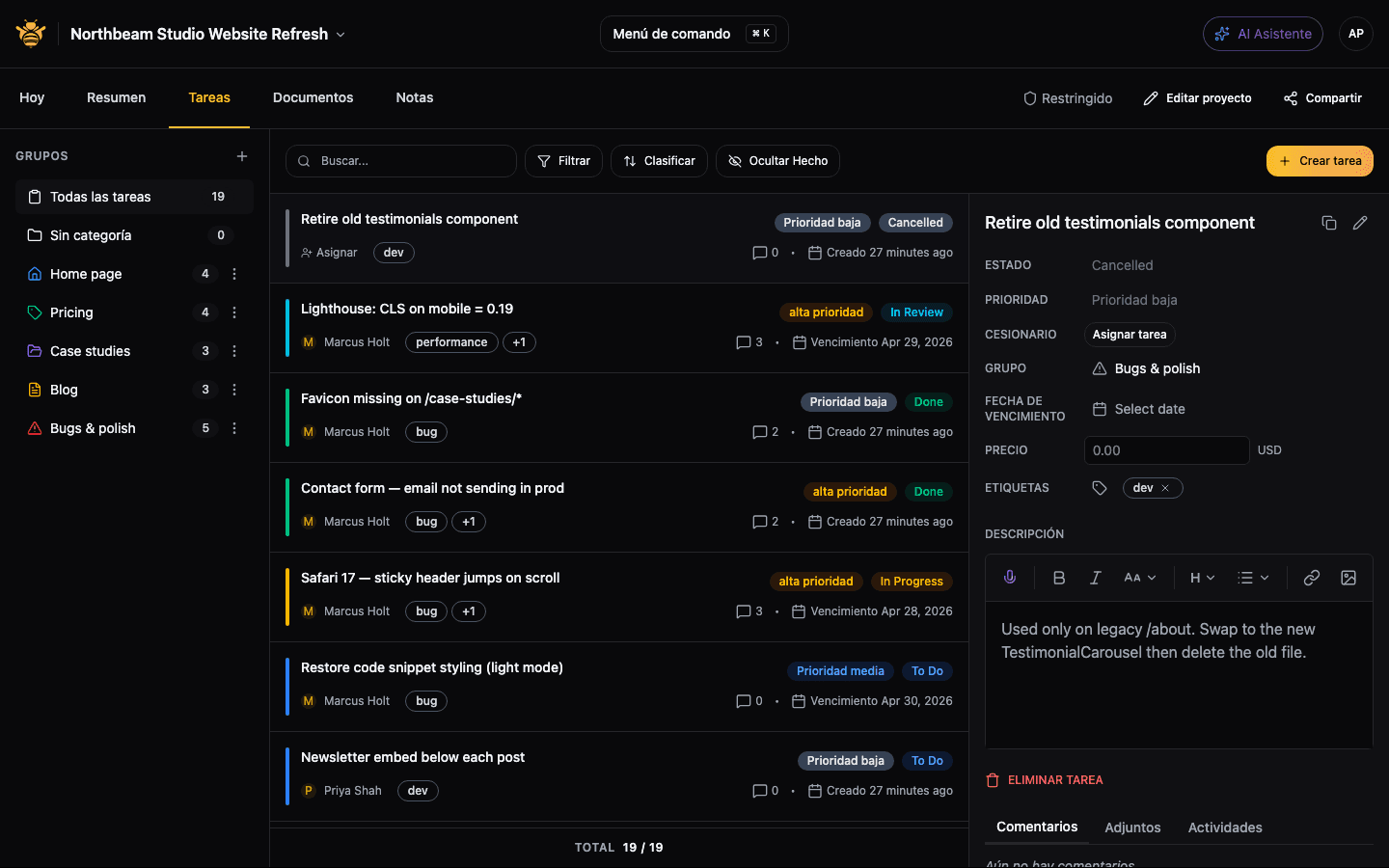
Capturas de pantalla
Exactamente lo que vio el cliente, capturado en Chrome y Edge de escritorio.
Metadatos del dispositivo
Navegador, sistema operativo, tamaño de la ventana, densidad de píxeles.
URL y título de la página
Enlazados desde la tarea, para abrir la misma página.
Funciona en producción, staging y localhost
Revisa sitios reales, no marcos de Figma. Compatible con protección por contraseña y túneles.
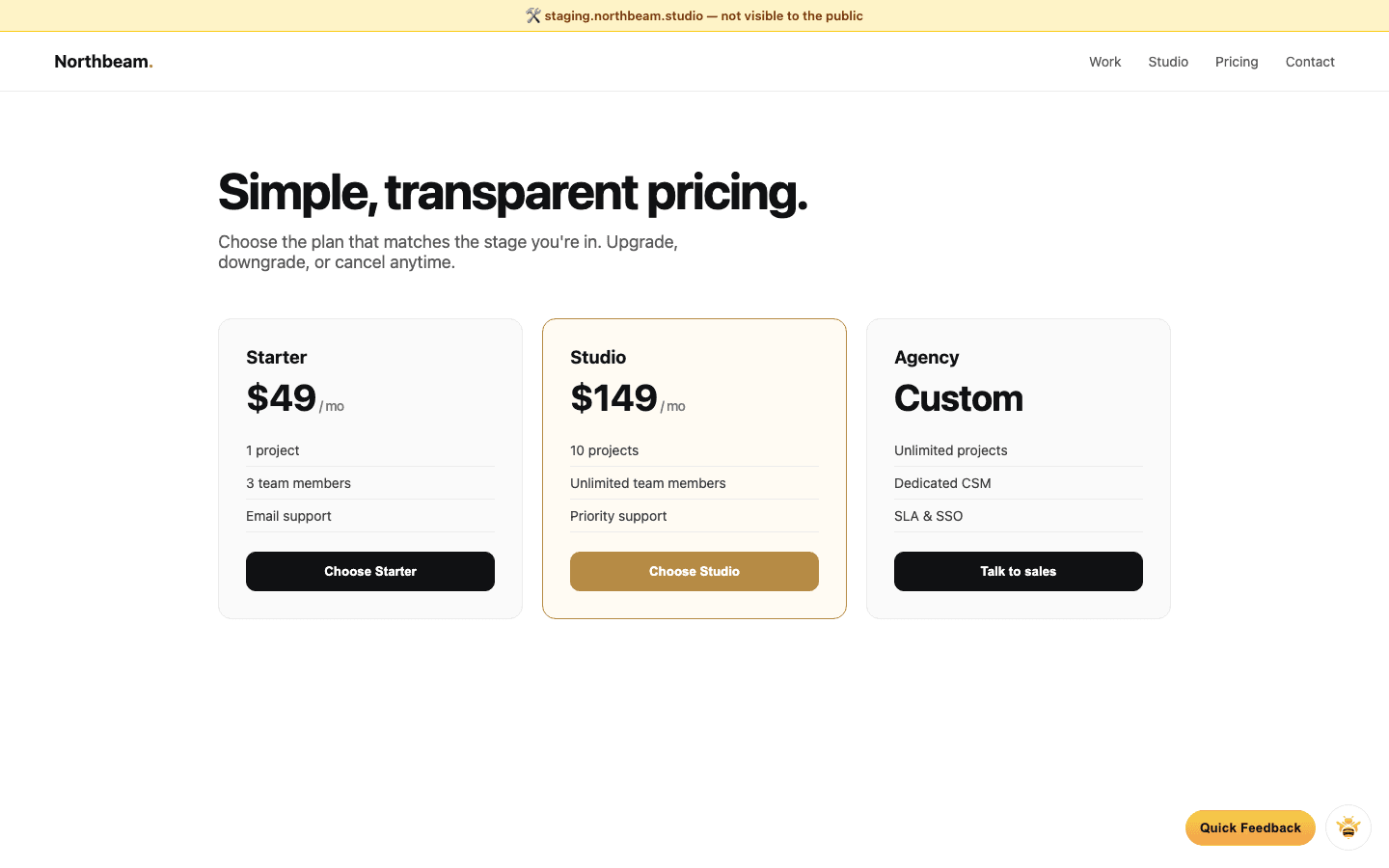
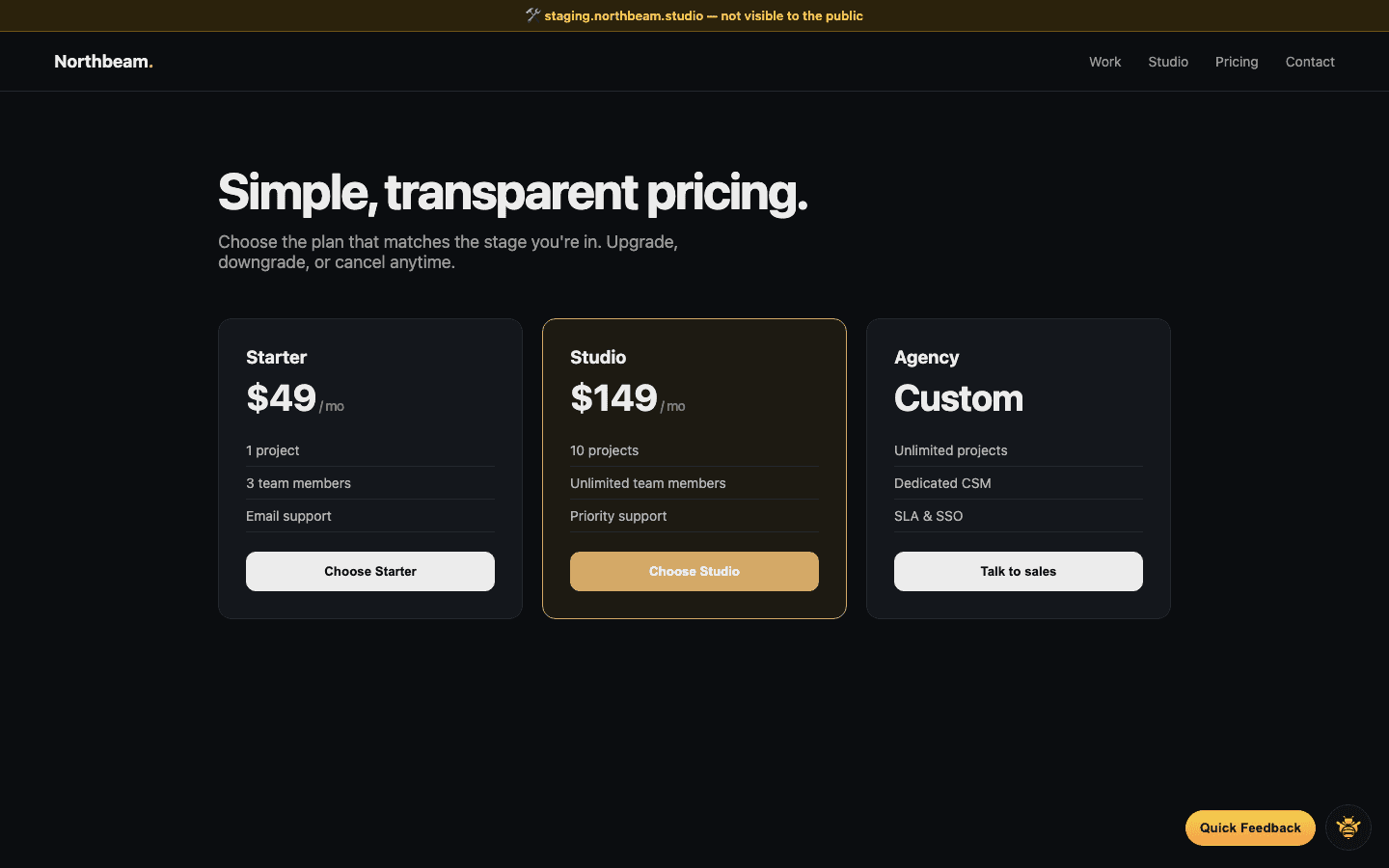
Staging y producción
Una instalación, los dos entornos.
Localhost mediante un túnel
Funciona con ngrok, cloudflared y similares.
Historial de versiones
Compara lo que vieron tus clientes entre versiones.
Convierte comentarios vagos en feedback preciso
Deja de convertir «mueve eso» en tickets.